


Everyday work
Prompt lists
Mix the order of existing entries.
Randomly reorder lines in your text—fast, simple, and free
Randomly rearrange whole lines while keeping the text of each entry unchanged.
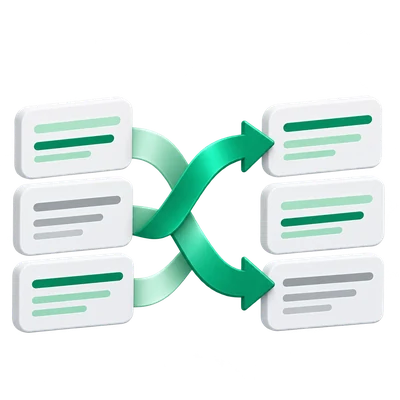
Mix the order of existing entries.
Rearrange questions or items for another reading order.
Keep blank and repeated entries while trying a fresh arrangement.
Each run can produce a different arrangement.
The shuffle uses browser randomness to rearrange the list. Blank lines and repeated entries remain part of that list, and every original entry is retained. Run it again for another ordering, then copy or download the version you want to keep.
A short input makes the transformation easier to inspect.
This is one valid shuffled arrangement. Your result can differ because each run uses a new random ordering.
Red
Green
Blue
Yellow
Blue
Red
Yellow
Green
Upload a text file, write directly, or try the sample.
The entry screen accepts one UTF-8 TXT, CSV, JSON, XML, HTML or HTM file and opens the editor. Imports are text content, not a PDF or Word conversion. Review the source and choose Shuffle Text Lines when ready. Editing or importing alone does not apply the transformation.
The result is editable before you copy or download it.
Edit the result if needed, then copy it or download UTF-8 TXT. Continue to offers compatible next tools based on the current result and their limits. It carries the text into a fresh destination workspace without running the next operation automatically.
Maximum input and result: 1 MB of UTF-8 text, with a 1,048,576-character input ceiling. Expanding transformations must also fit the result limit.
This text operation runs in your browser; its source and result are not sent for conversion. A draft may be kept in this browser tab when session storage is available. Clear removes the current draft; download important work before closing the tab.
See the Privacy Policy for file and data handling.
No. This tool processes text in your browser. Text-file imports and downloads stay on your device.
Yes. The result remains editable. Copy it or download a UTF-8 .txt file from the result page.
Text input and generated output are limited to 1 MB to keep your browser responsive. Split larger documents into smaller parts.