


Language learners
Mixed-script text
Make supported digits use one selected numeral set.
Convert digits between Latin, Arabic, Persian, and Hindi number formats.
Convert supported numeral characters to one selected digit set while preserving the surrounding text.
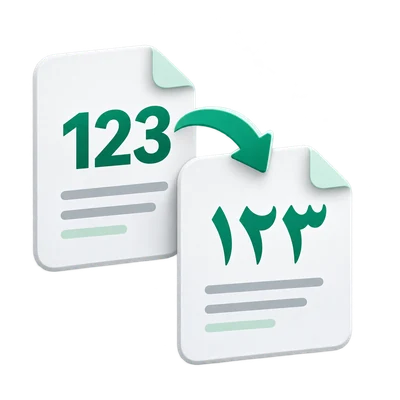
Make supported digits use one selected numeral set.
Standardize digit shapes without changing surrounding wording.
Choose the digit set expected by the destination and check identifiers.
Latin is the initial output choice.
Select Latin, Arabic, Persian or Hindi digits. The converter maps recognized digits from those supported sets to their numeric equivalents in the selected set. It leaves words, whitespace and other characters in place.
Only supported digit characters are replaced.
The conversion changes the characters used for zero through nine. It does not calculate a value, translate number words, convert units or change a currency. Signs, decimal separators and thousands separators are preserved as text.
Check the result before using it in another system.
This is useful when a passage mixes several numeral scripts. Review account references, dates and identifiers, because a receiving system may require a particular digit set even when the value looks the same to a reader.
Copy the reviewed text or continue to another tool.
Download produces UTF-8 TXT from the current result. To add visual thousands grouping, use Add Comma to Numbers as a separate next step. Normalization itself does not insert grouping or alter punctuation.
Maximum 1 MB UTF-8 input and result, with a 1,048,576-character ceiling.
Normalization runs as a deterministic server operation when submitted. It does not use a generative AI request. Temporary text-processing files are removed when the request finishes.
See the Privacy Policy for file and data handling.
It converts Latin 0123456789, Arabic ٠١٢٣٤٥٦٧٨٩, Persian ۰۱۲۳۴۵۶۷۸۹ and Hindi ०१२३४५६७८९ digits into the selected format.
No. It changes the digit characters only. Punctuation, decimal separators, signs, spaces and surrounding words remain as entered.
Yes. Digits from all four supported sets are converted to the same selected output set.
No. It changes the script used for digits; it does not spell out numbers or translate the surrounding text.